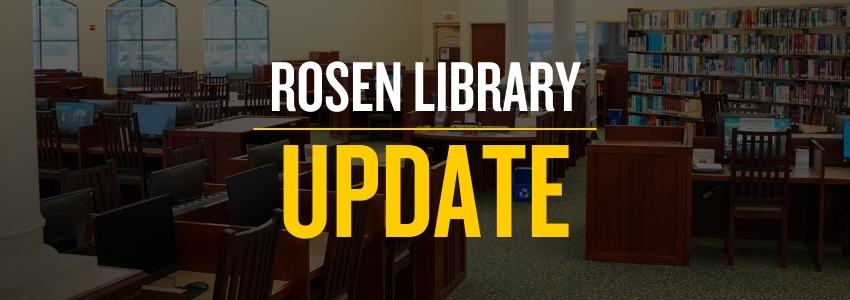
Rosen Library Closing April 29th, 2025 — Resources and Support Continue for Students & Faculty
John C. Hitt Library Posted: March 6th, 2025The Universal Orlando Foundation Library at UCF’s Rosen College of Hospitality Management will permanently close on April 29, 2025, at 5pm as part of broader renovations to the Rosen College campus. While the physical space will no longer be available, library resources and support services will remain accessible to faculty, staff, and students.
As digital access will continue uninterrupted, ongoing expansion to the library’s eBook and video collections will further support Rosen College’s curriculum and research. Physical materials from the Rosen Library will be relocated to the Automated Retrieval Center (ARC) at the John C. Hitt Library on UCF’s main campus, where they will be available via mail through UCF Libraries’ document delivery and resource sharing service.
UCF Libraries remains committed to ensuring a smooth transition for Rosen College faculty and students. To maintain direct support there will be an embedded librarian, Judy Kuhns, who will remain on campus in an office location to provide research assistance, consultations, and guidance on library services.
“This transition reflects UCF Libraries’ dedication to meeting the evolving needs of Rosen College,” said Beau Case, Dean of UCF Libraries. “By strengthening our digital resources and enhancing access to materials through delivery services, we ensure that students and faculty have uninterrupted support for their research and academic success.”
Frequently Asked Questions (FAQs)
When is the Rosen Library closing?
The Rosen Library will permanently close on April 29, 2025, at 5 p.m. as part of renovations to the Rosen College campus.
Why is the library closing?
The closure is due to a campus renovation, and the space is being repurposed for other academic needs.
Will I still be able to access books and other materials?
Yes! Physical materials will be relocated to the Automated Retrieval Center (ARC) at the John C. Hitt Library on UCF’s main campus. You can request items to be mailed directly to you.
How do I request books or physical materials after the closure?
Materials can be requested through the UCF Libraries catalog and will be delivered directly to students and faculty. More details on the request process will be provided closer to the closure date.
Will digital resources still be available?
Yes. All digital resources remain available, and we are expanding access to eBooks, video collections, and other online materials to better support Rosen College faculty and students.
Will there still be a librarian available for research help?
Yes. Judy Kuhns is the Rosen College librarian, and she will remain on campus in an office location to assist students and faculty with research, instruction, and resource access.
How can I get help with library resources after the closure?
You can still get research assistance through:
• The embedded librarian at Rosen College, Judy Kuhns;
• UCF Libraries’ Ask Us chat, email, and phone services;
• In-person support at any UCF library location.
What if I have a specific resource request?
We encourage faculty and students to reach out by filling out a request form. Contact the library team through library.ucf.edu or visit the Rosen College librarian for assistance.
Where can I find updates about the transition?
Updates will be available on the UCF Libraries website and shared via campus communications.
For any additional questions, please contact UCF Libraries email Library Administration.