UCF Libraries’ Resource Sharing / ILL service helps students, faculty, and staff access books, articles, and other materials that are not available at UCF. We also offer Document Delivery, which lets you request a chapter or article to be scanned from materials owned by UCF.
How to Submit a Request
- Search in our Discover Tool – Look for the item you need in our Discover Tool
- If UCF does not have it
- Click the “GET IT” button to submit your request.
- For chapters, include the chapter number or title
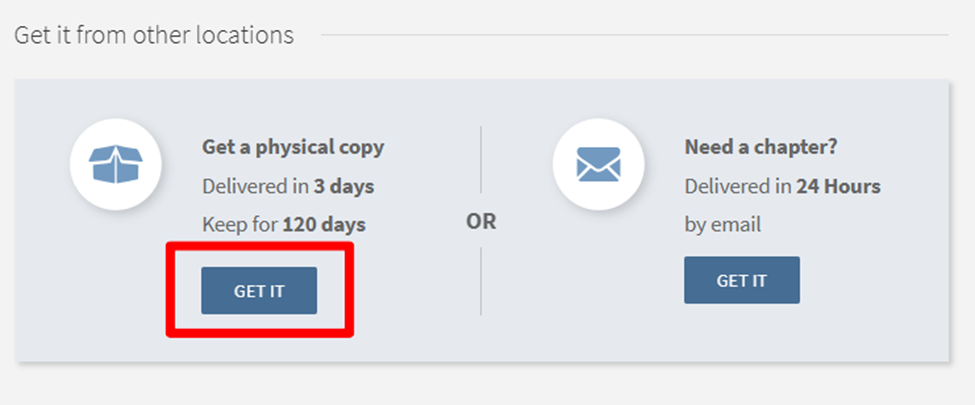
Note: You must be signed in with your UCF NID and password to see request options.
Your Requests
To view your outstanding requests, renew books, see your articles, or check due dates:
- Click the Sign In button at the top right of the Primo search box.
- Log in with your UCF NID and password.
- Items that cannot be renewed will appear in red.

Questions
If you have any questions or need help, contact the Document Delivery & Resource Sharing Department.
- Phone: 407.823.2383
- Email: illbor@ucf.edu