Books
To request a book through Interlibrary Loan or Document Delivery, follow
these steps:
Steps:
- Log-in to your
ILLiad/UBorrow account.
- On the left-hand side, click on "Book" under New Request.
- Fill out the book request form.
- Click on "Submit Request" at the bottom of the form.
You will see your new request listed on your ILLiad/UBorrow account's main
page. The UCF Library will now process your request.
Articles & Book Chapters
To request an article or book chapter through Interlibrary Loan or Document
Delivery, follow these steps:
Steps:
- Log into your
ILLiad/UBorrow account.
- On the left-hand side, click on "Book" under New Request.
- Fill out the article request form with the citation information.
- Click on "Submit Request" at the bottom of the form.
You will see your new request listed on your ILLiad/UBorrow account's main
page. The UCF Library will now process your request.
Multimedia
To request films or music through Interlibrary Loan or Document Delivery,
follow these steps:
Steps:
- Log-in to your
ILLiad/UBorrow account.
- On the left-hand side, click on "Book" under New Request.
- Fill out the request form. Please let us know in the "notes"
field if you prefer a particular format.
- Click on "Submit Request" at the bottom of the form.
You will now see your new request listed on your ILLiad/UBorrow account's
main page. The UCF Library will now process your request.
Microfilm & Microfiche
To request microfilm or microfiche through Interlibrary Loan or Document
Delivery, follow these steps:
Steps:
- Log in to your
ILLiad/UBorrow account.
- On the left-hand side, click on "Book" under New Request.
- Fill out the request. Make sure you include the dates you would
like us to borrow.
Note: Most libraries will only lend 3 to 5 reels
of microfilm at a time.
- Click on "Submit Request" at the bottom of the form.
You will now see your new request listed on your ILLiad/UBorrow account's
main page. The UCF Library will now process your request.
UBorrow
To request a book through UBorrow, follow these steps:
Steps:
- Search for a book by subject, author, or title in the
library catalog.
- Click on "show items that you can request statewide" in the upper
right-hand corner.
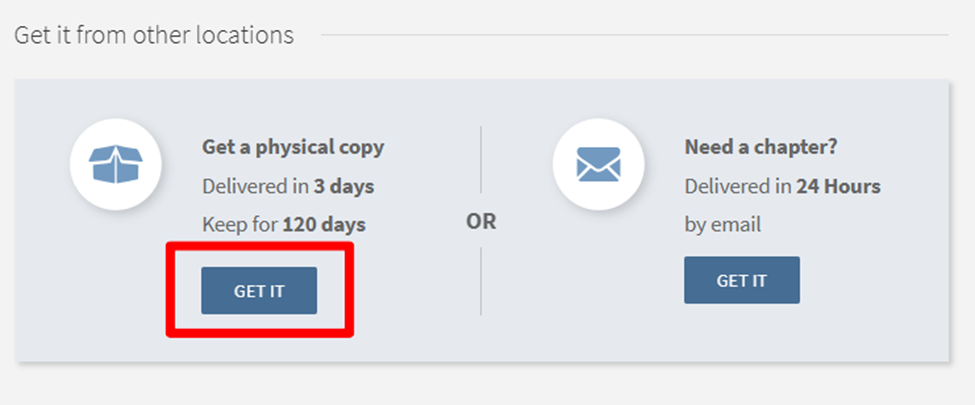
- Find an item you want to borrow and click on the
button.
- Log-in to your ILLiad/UBorrow account.
- Click "submit" at the bottom of the request form.
You will see your new request listed on your ILLiad/UBorrow account's main page.
The UCF Library will now process your request.